

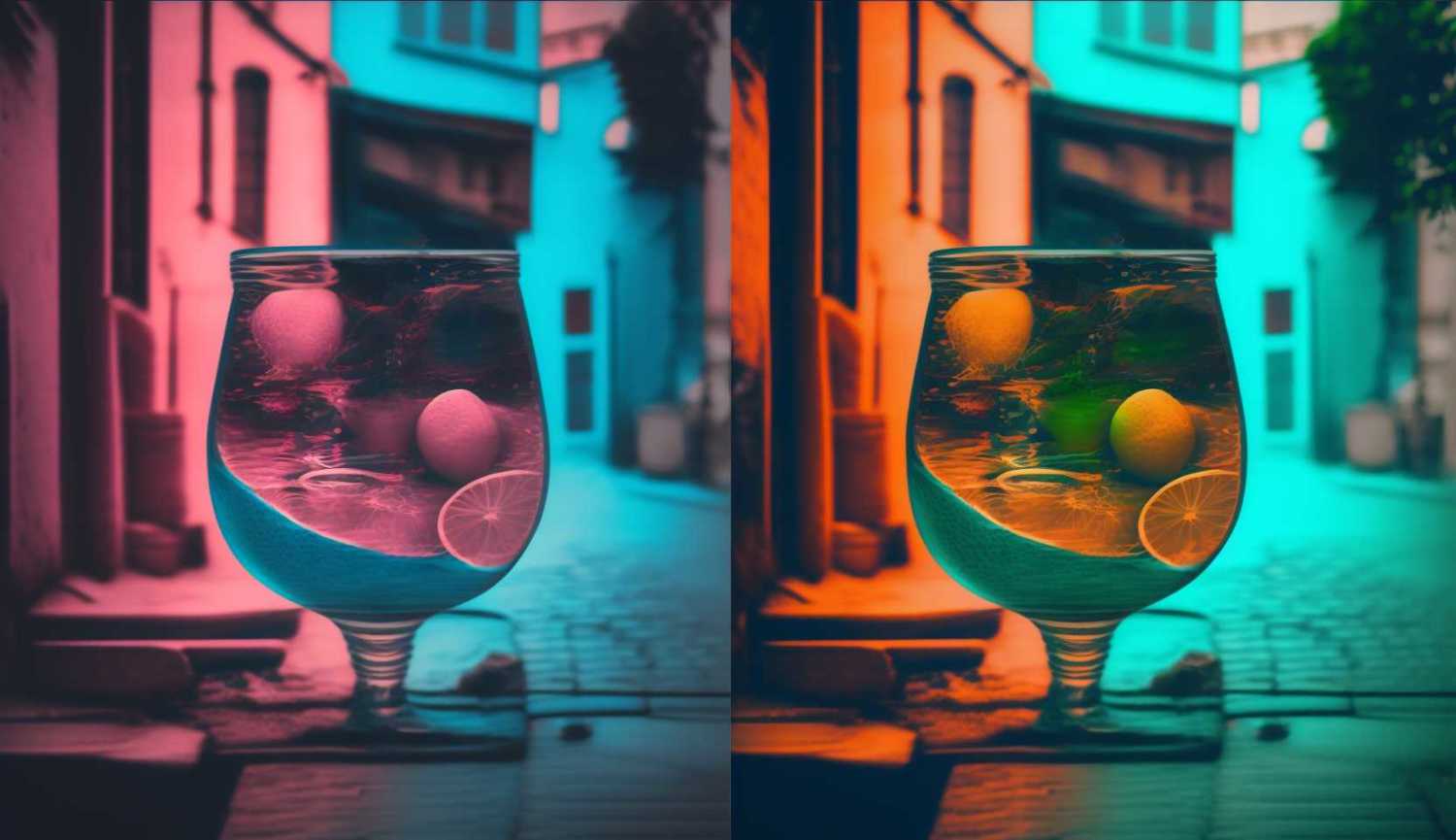

Looking for a quick and efficient way to convert your images into negatives? Our Free Image to Negative Converter is the answer! Our online colour inverter tool lets you easily transform your favourite photos into eye-catching negative images. Just upload your standard image, and our algorithm instantly inverts the colours, producing a high-quality negative version.
Whether you’re a professional photographer or a creative hobbyist, our Image to Negative Converter is perfect for enhancing your portfolio or simply experimenting with new artistic effects. With compatibility for popular image formats like JPG, PNG, and TIFF, our tool caters to a diverse range of images. Plus, we guarantee your privacy by not storing any uploaded images on our servers.
Don’t miss out on this opportunity to create stunning negative images for free! Give our Image to Negative Converter a try today and experience the amazing results for yourself.
[image-color_invert]
How to Use Our Image to Negative Converter
- Click the “Choose File” button to upload your standard image (JPG, PNG, or TIFF format).
- Our tool will automatically process and invert the colors, creating a captivating negative image in a matter of seconds, depending on the size of the file.
- Once the conversion is complete, click the “Download” button to save your newly created negative photo to your device, completely free with no restrictions or limitations.
Main Features Of This Color Inversion Tool
- Easy and Fast Conversion: Upload your image and let our tool automatically invert the colors, transforming it into a negative photo or in reverse, it can also convert a negative image into a color image.
- High-Quality Results: Our advanced algorithm ensures that your negative images maintain the original resolution and detail, resulting in top-notch quality.
- Supports Multiple Formats: Compatible with popular image formats like JPG, PNG, and TIFF, our tool caters to a wide range of standard images.
- Privacy Protection: We value your privacy. Rest assured that your uploaded images are not stored on our servers, in fact, they never leave your web browser. Everything is done client-side so you can rest assured your data is safe.
- Completely Free: Enjoy unlimited image-to-negative conversions without any hidden charges or subscriptions. Convert an infinite amount of images with absolutely no cost.