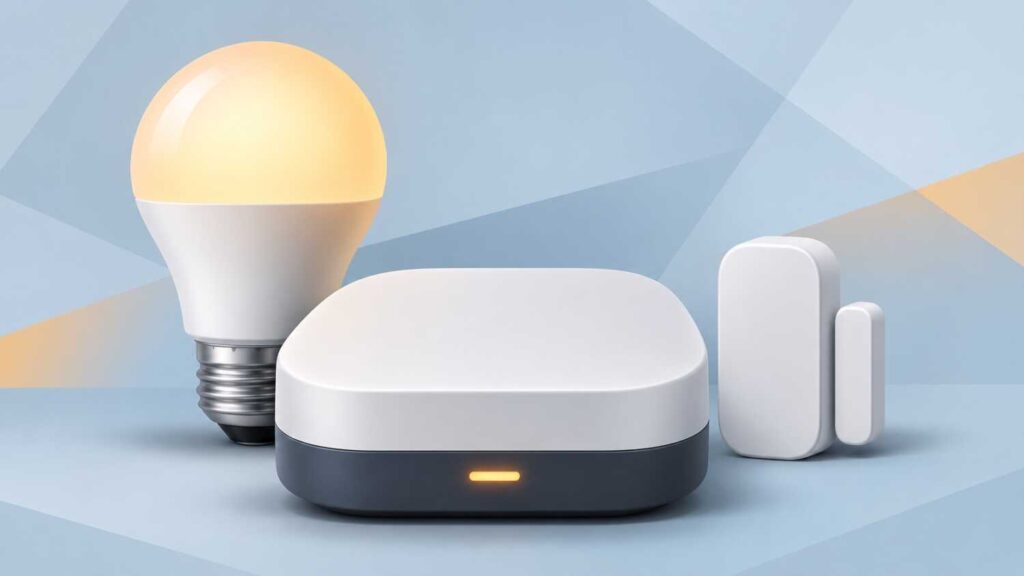
A smart home hub, bridge and controller can all look like small boxes, and a single product can perform several of these jobs. When a device says it needs one, ask which job it needs and which device in your home already handles it.
What each term usually means
- Controller. This is the part of a smart home platform that can set up or control supported devices. Its exact requirements depend on the platform. Check the list for the ecosystem you mean to use.
- Bridge. A bridge connects devices on one system to another. For example, a manufacturer can use a bridge to present supported lights to a wider smart home platform. Check which lights and controls the bridge exposes.
- Thread border router. This connects a Thread network to the rest of your home network. Some smart displays or hubs include that role. Check your exact hardware because models with similar names may differ.
- Hub. This is the broadest term. Look at the product requirements for the specific roles rather than using the word on the box to decide.
How to check your setup
- Write down the device model you want to add and where you want to control it.
- Find its setup instructions and highlight every required box, account and app.
- Look up any hardware you already own by its full model. Compare the specific role required with the manufacturer’s supported list.
- Trace one real action through the proposed setup. For a bridged light, check whether turning it on in your preferred app goes through the bridge and whether the original app is still necessary for settings or updates.
A useful example is choosing between a Matter-over-Wi-Fi device and a Matter-over-Thread device. The platform can still have controller requirements for both. The Thread option adds a question about the border router. Likewise, a bridge can make a device available for basic control while some original features remain in its own app. Make your shopping decision on the actual feature you need.
Connectivity Standards Alliance Matter FAQ · Google Home hub requirements
Related on YoMotherboard: Will This Smart Device Work With My Home?