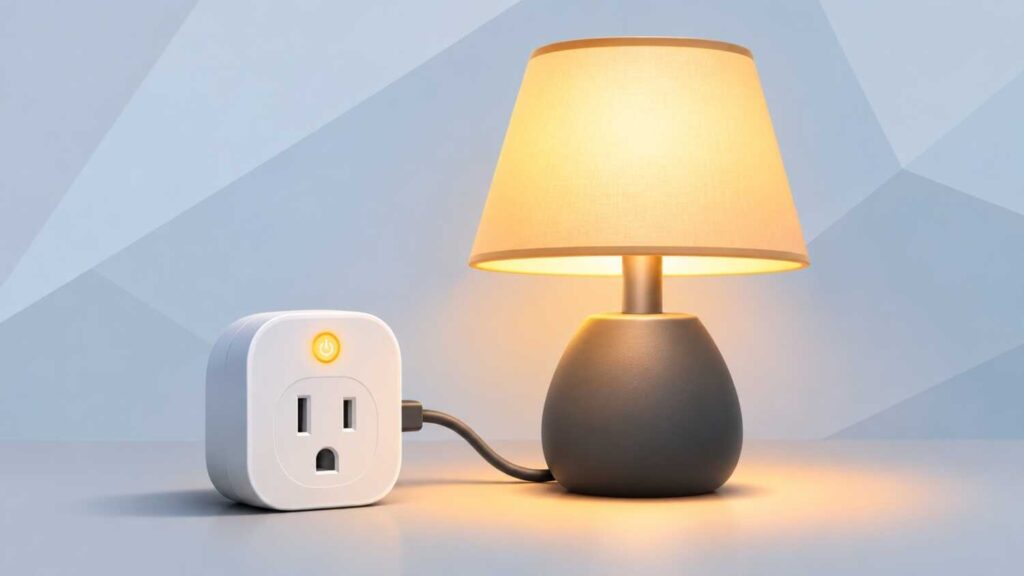
A smart plug with energy monitoring can help you estimate what a plug-in device costs to run. Choose a model that reports energy use, check that the appliance is suitable, and measure long enough to include a normal cycle.
What the readings mean
- Watts (W) tell you the rate of power use at the moment shown. A reading can change as an appliance warms up, cycles or enters standby.
- Kilowatt-hours (kWh) tell you the total energy used over a period. This is the more useful number when the appliance does not draw a steady amount of power.
- Cost depends on your tariff and when the energy was used. A single rate gives a reasonable example calculation when you pay the same rate throughout the measurement.
Run a useful measurement
- Check the smart plug’s regional model and the manufacturer’s guidance for the intended load. Start with a suitable ordinary lamp if you are learning how its readings work.
- Note the opening time and energy reading, or start a fresh measurement in the app where supported.
- Use the appliance as you normally would. Leave enough time to include any likely standby or active periods.
- Record the ending reading and subtract the starting value. Multiply the difference in kWh by your price per kWh.
For example, a steady 10-watt lamp used for 5 hours would use 0.05 kWh. At €0.30 per kWh, that is €0.015 for that period. These are illustrative numbers. To estimate your own cost, use the actual reading and rate.
If a reading is surprisingly low, check that you measured the right device and included enough time. A plug’s reported figures can have limits, particularly for a small or changing load. Record the model, observation period and conditions when comparing two results. Use the reading to understand the tested appliance rather than to account for the whole electricity bill.
TP-Link’s energy monitoring feature guide
Related on YoMotherboard: How to Choose a Smart Plug for the Job