
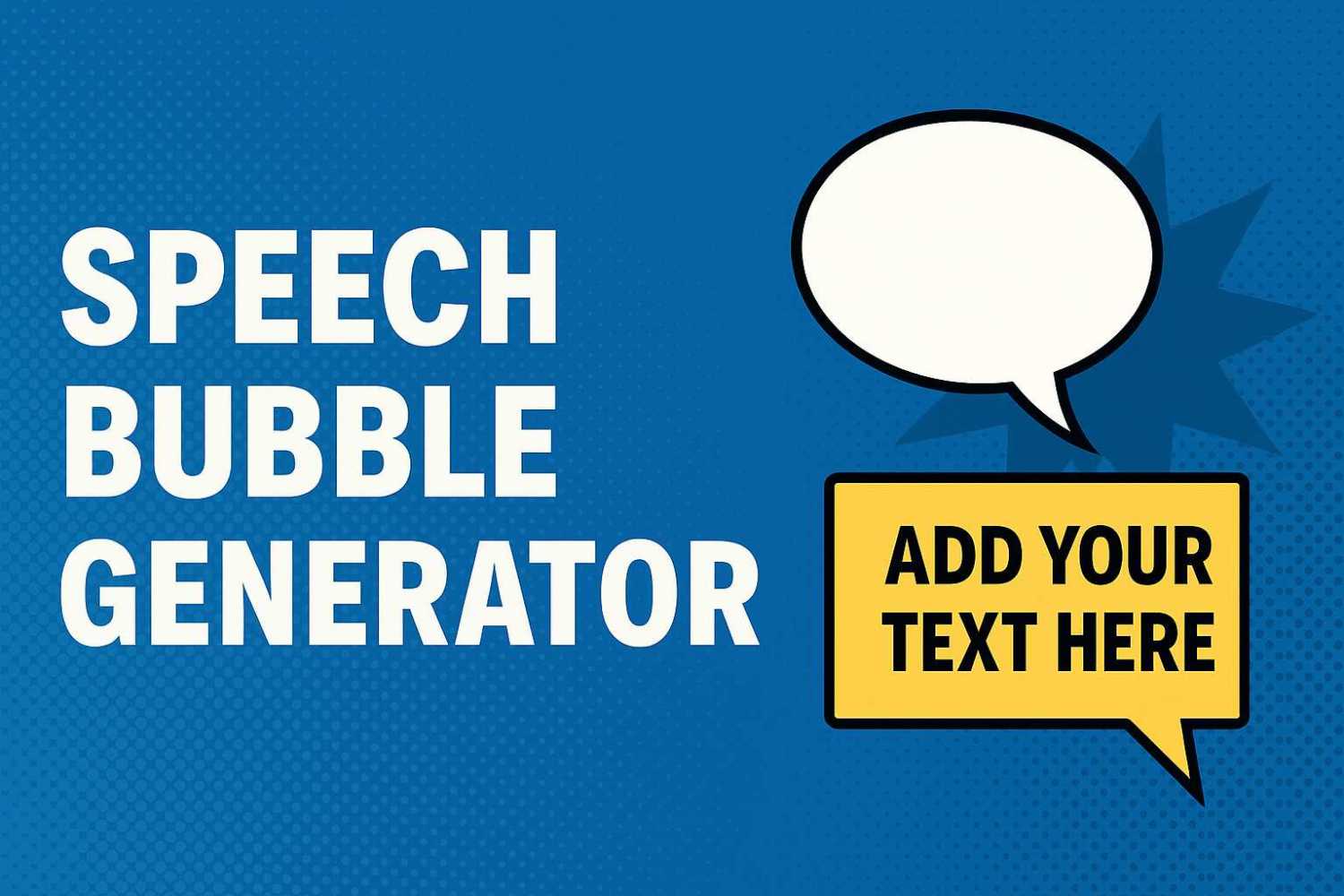
Add Custom Speech and Caption Boxes to Any Image Online

Creating comic-style images used to require complex design tools or specialist software. Whether you’re making memes, teaching graphics, social media posts or lighthearted content, being able to add speech or caption boxes to any image can bring it to life in seconds. That’s where a speech bubble generator steps in to make your workflow much easier.

Our tool makes it simple to upload an image, add custom speech bubbles or captions, move them around, choose your font, and download the final result. No design experience needed, no login, and everything works right in your browser. Whether you’re building educational slides, adding character to screenshots, or making comic strips, this tool has you covered.

How to Use This Tool

  1. Upload Your Image – Choose any image file from your device to begin.

  2. Add Bubbles or Captions – Use the buttons to add a speech bubble or a yellow caption box. You can drag and position them anywhere.

  3. Edit the Text – Click into the bubble to type your message. It’s fully editable.

  4. Choose a Font – Select from common comic-friendly fonts like Comic Sans MS, Impact or Courier New.

  5. Download Your Image – Once you’re happy, click the download button to save your creation as a PNG.

What to Expect

The tool gives you full control over positioning and font choice. Bubbles are draggable and editable on-screen, and you’ll see a real-time preview as you work. When you download, the final image flattens everything into a single graphic file you can use anywhere.

Why This Tool Is Useful

  • Great for teachers, social media managers, meme creators, and comic artists

  • No Photoshop or software needed

  • Works entirely in-browser and keeps things private

  • Fast for quick projects and visual storytelling

  • Lets you focus on your message, not the design

If you’re stuck trying to figure out how to make images fun or engaging, this tool takes care of the visual work and helps you deliver your message with impact. Try it out and see how easy it is to turn a plain image into a conversation.

Related Articles

Related Questions

Feeling Trapped as a Front-End Developer Forced into DevOps

Hey everyone! I've been a front-end developer for 11 years, and while I've been doing a bit of full-stack work, I've recently been pushed...

How Can Beginners Start Earning Money with Programming?

Hey everyone! I've recently jumped into the world of programming, and it's quite a shift from my previous field. I've always been interested in...

Why Can’t My Parents’ Old LCD TVs Play Movies from USB?

I'm trying to get some movies into a USB drive to share with my parents, but they have older LCD TVs that aren't smart...

LEAVE A REPLY

Please enter your comment!
Please enter your name here

This site uses Akismet to reduce spam. Learn how your comment data is processed.

Latest Tools

Erase Gemini Nano Banana Watermark

Below is a simple content eraser tool. It works very similar to the content aware fill tool that is used in Photoshop. You can...

Keep Your Screen Awake Tool

This simple online stay awake tool prevents your computer screen from going to sleep while you have this page open. It runs entirely in your...

Neural Network Simulation Tool

The Neural Network Visual Builder is an interactive, client-side tool designed to demystify deep learning. It allows users to drag-and-drop neural network layers to...

Ray Trace Simulator – Interactive Optical Ray Tracing Tool

This ray trace simulator lets you visualise how light rays move through an optical system in real time. You can trace beams as they...

Interactive CPU Architecture Simulator

This is an Interactive CPU Architecture Simulator that provides a hands-on, visual learning experience for understanding how a processor executes code. It models a...

AI Image Upscaler

Our AI Image Upscaler allows you to upload any image and instantly increase its resolution using advanced upscaling models. Choose between 2x, 3x or...

Latest Posts

Latest Questions