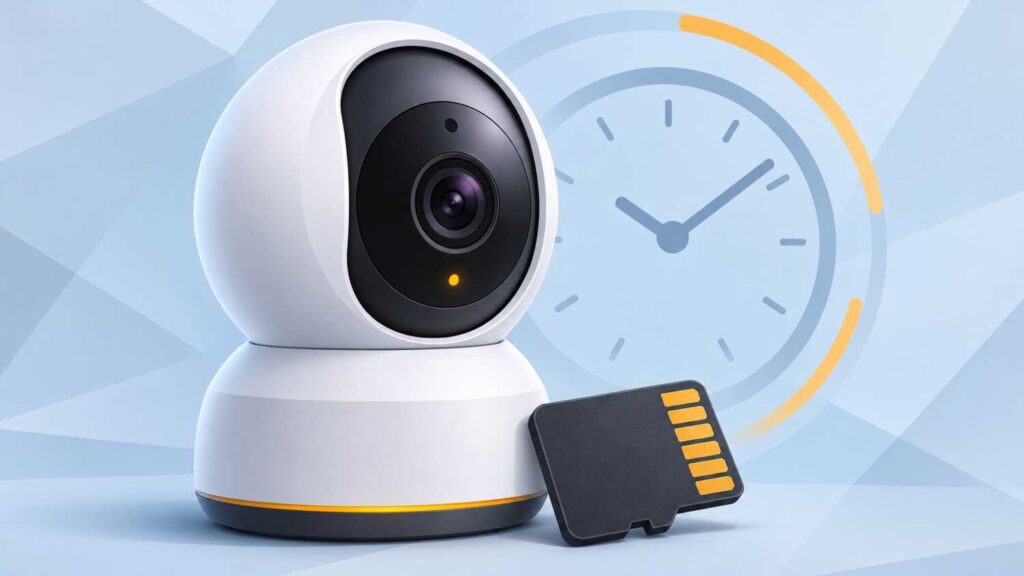
A camera’s storage capacity tells you how much data fits. Its recording bitrate and the number of hours it actually records determine how quickly that space fills. Start with a rough estimate and then sanity-check it against your own recordings before buying a card or recorder.
Estimate continuous recording
- Find the bitrate for the stream you want to store, or measure the size of a saved clip under the settings you normally use.
- Convert the stream from megabits per second to megabytes per second by dividing by eight.
- Multiply by the number of recorded seconds per day and convert the result to gigabytes. Divide the space available for footage by the resulting daily estimate.
For an illustrative 2 Mbps stream, the rate is 0.25 MB per second. Over 24 hours that is about 21.6 GB using decimal units. A nominal 128 GB card would hold just under six days at that constant rate in this simplified example. Leave room for the difference between advertised capacity and the space the camera makes available to recordings, and check card compatibility independently.
Adjust for motion events and changes in bitrate
- Event recording: start with the number of minutes the camera actually recorded on a normal day. A busy day can produce a different amount of footage. Look at several days if retention matters.
- Variable bitrate: scene movement and camera settings can change file sizes. Check saved clips under the conditions you care about and calculate a range.
- Several cameras: estimate each stream and add the daily totals before deciding how much space a recorder needs.
- Loop recording: check what your device does when storage fills and how to export a clip you want to keep.
Before counting on a particular retention period, play a recent clip back and check the oldest footage that is still available. That tells you what your setup is actually retaining under its current settings.
TP-Link’s microSD compatibility guidance · TP-Link’s continuous playback guide
Related on YoMotherboard: Tapo camera SD card formatting