
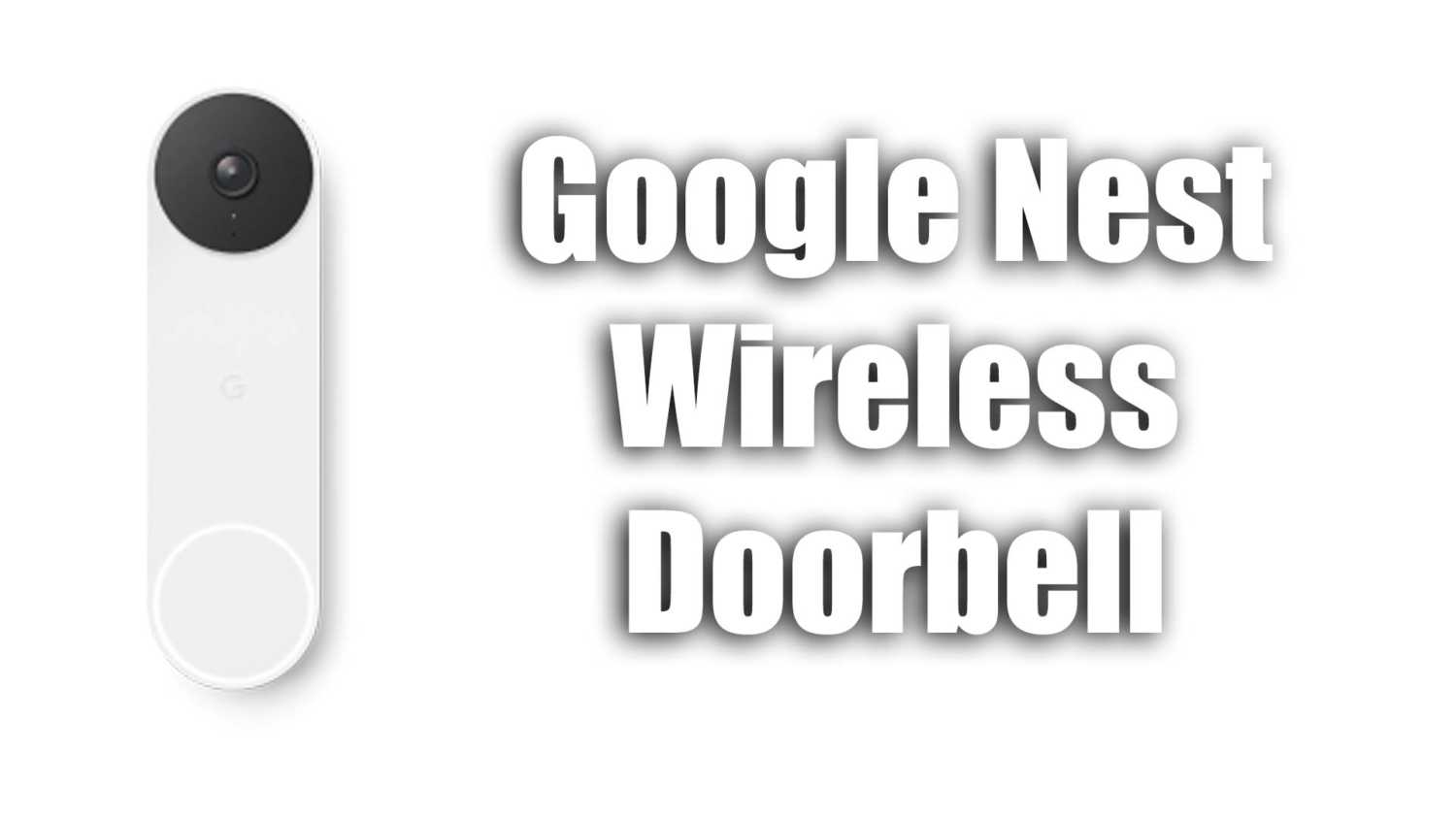
Google Nest Doorbell Not Alerting Google Hub Or Google Mini

I recently found myself dealing with a rather frustrating situation with my Google Nest doorbell. When someone would ring the doorbell, it would alert my phone but it was no longer making a chime sound on the Google Nest hub or Nest speaker inside my home like it used to, this meant I was often missing people who came to the door.

I spent some time searching around the settings menu for an answer to this. Hoping some settings may just need to be turned off and on again to resolve the issue. Unfortunately, there was nothing I could find that would restore the original functionality I had where a chime would sound but Google Assistant would not announce anything.

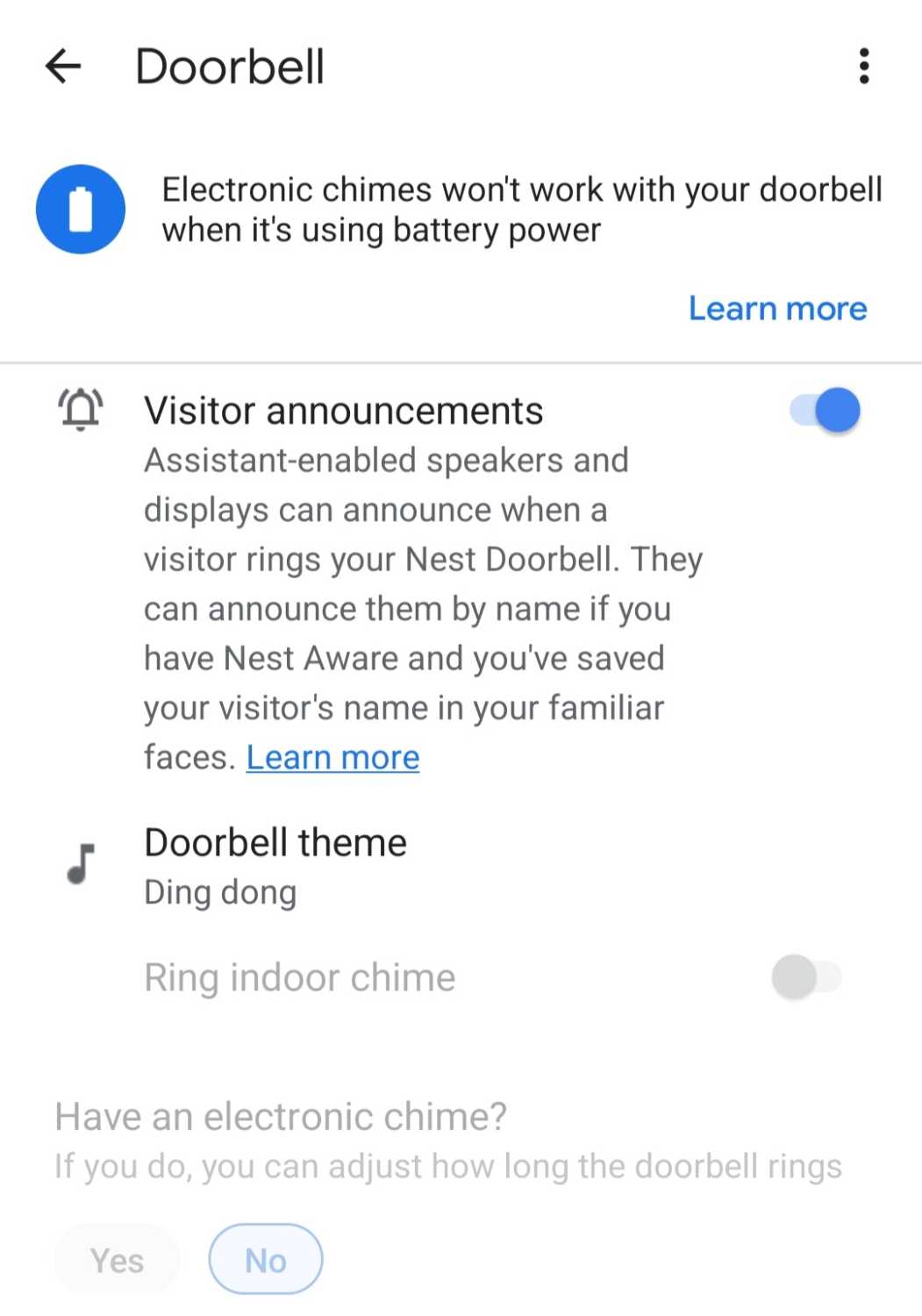
Enable Google Assistant Announcements

This was not the road I wanted to take with this. I find it quite annoying when the Google Assistant announces “There is someone at the front garden doorbell”. First, because it doesn’t make sense but also because I have multiple nest hubs and they never chime in sync. Instead, I just have Google Assistant shouting at me from four different rooms in the house to tell me that someone is at the door out of sync.

Turning this on may not be ideal but if you rename the doorbell to something better, it does make the announcement less of an issue. That is of course if you don’t end up having the same issue I did where I was unable to rename the doorbell.
nest doorbell alerts
Turning on the option to create visitor announcements will make your Google Assistant talk a lot more but it will resolve the issue

The Nuclear Option

I always hate options like this but unfortunately, with no other alternatives at this point, a full nuclear option has to be considered. This could be a huge pain in the ass if you have a lot of devices connected to your home. You will need to follow the steps below to ensure this has the best chance of fixing things.

  • Unlink everything from Google Home
  • Uninstall the Google Home app
  • Restart your device
  • Install Google Home
  • Link all of the devices back to Google Home again.

Once you have done all of this, the chime should start working again as expected.

If anyone has a better solution to this issue, please leave a comment below.

Related Articles

Related Questions

What can I do to speed up my Windows 11 laptop?

I have a Windows 11 laptop with 8GB of RAM and two drives; a 250GB one and a 500GB HDD. I try to keep...

Is a Screensaver Effective for Internal Corporate Communications?

We're considering implementing a screensaver to relay corporate communications for employees who don't frequently check the intranet. The goal is to make it more...

What are the Best Programming Languages for a High-Paying Tech Career?

I'm curious about the top programming languages that are versatile enough to help land high-paying jobs in tech, especially roles that could easily switch...

LEAVE A REPLY

Please enter your comment!
Please enter your name here

This site uses Akismet to reduce spam. Learn how your comment data is processed.

Latest Tools

Erase Gemini Nano Banana Watermark

Below is a simple content eraser tool. It works very similar to the content aware fill tool that is used in Photoshop. You can...

Keep Your Screen Awake Tool

This simple online stay awake tool prevents your computer screen from going to sleep while you have this page open. It runs entirely in your...

Neural Network Simulation Tool

The Neural Network Visual Builder is an interactive, client-side tool designed to demystify deep learning. It allows users to drag-and-drop neural network layers to...

Ray Trace Simulator – Interactive Optical Ray Tracing Tool

This ray trace simulator lets you visualise how light rays move through an optical system in real time. You can trace beams as they...

Interactive CPU Architecture Simulator

This is an Interactive CPU Architecture Simulator that provides a hands-on, visual learning experience for understanding how a processor executes code. It models a...

AI Image Upscaler

Our AI Image Upscaler allows you to upload any image and instantly increase its resolution using advanced upscaling models. Choose between 2x, 3x or...

Latest Posts

Latest Questions