

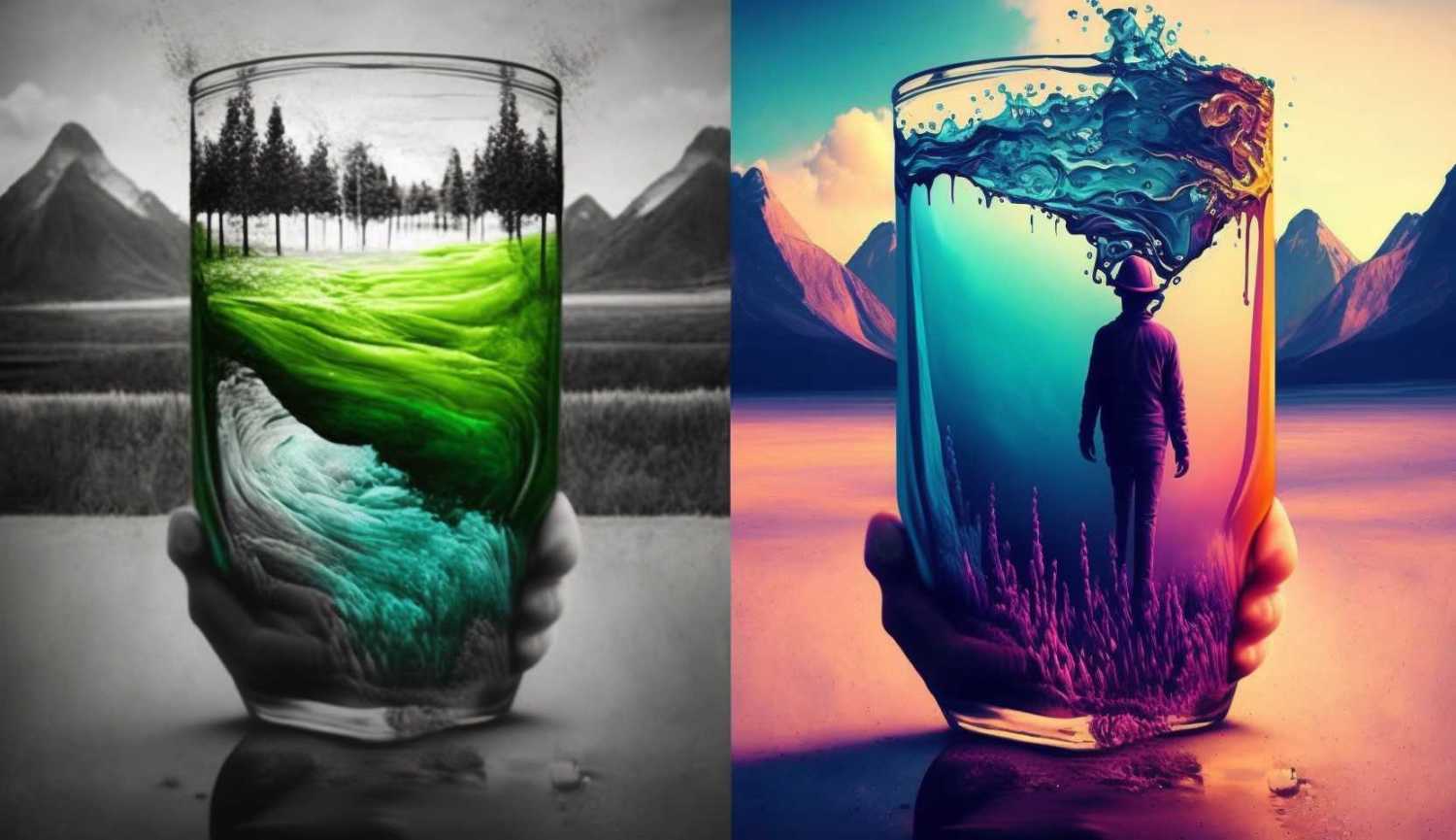

Introducing the ultimate image color adjustment tool for all your photo editing needs. Our free online tool lets you take full control of your photos’ colors, making it easy to create visually stunning images in no time. With user-friendly sliders for RGB levels and buttons for cooler or warmer tones, you can effortlessly enhance your pictures to perfection. Unlock the true potential of your photos and make a lasting impression with our intuitive, easy-to-use tool.
Simply select an image from your device and the tool controls will allow you to modify the RGB levels of the image. Once you are happy with the result, the download button will let you save the image to your device, completely free with no limitations.
[image-rgb-levels]
Our online color adjustment tool gives you total control over your images’ Red, Green, and Blue (RGB) levels. With simple sliders, you can individually tweak each color channel, allowing for ultimate customization and precision. Whether you need to enhance specific shades or balance the overall color composition, our tool lets you make those adjustments effortlessly. Create richer, more vibrant images by fine-tuning the RGB levels to your exact preferences.
Add Cooler or Warmer Tones with a Single Click
Sometimes, all your photo needs is a slight shift in temperature to make it truly eye-catching. Our tool offers one-click solutions for adding cooler or warmer tones to your images, providing an instant makeover. Breathe life into your pictures by accentuating the mood you want to convey. With cooler and warmer buttons at your disposal, you can experiment with different looks and find the perfect balance for your photos.
If the buttons are adding a little too much, make some finer adjustments using the sliders yourself. The exact result you are looking for should be easy to obtain. The clean, intuitive interface lets you focus on your creative vision without any distractions. Even if you’re new to photo editing, our platform makes it simple to understand and navigate the color adjustment process. Get started in seconds and watch as your photos transform.
Quick and Easy Online Image RGB Color Editing
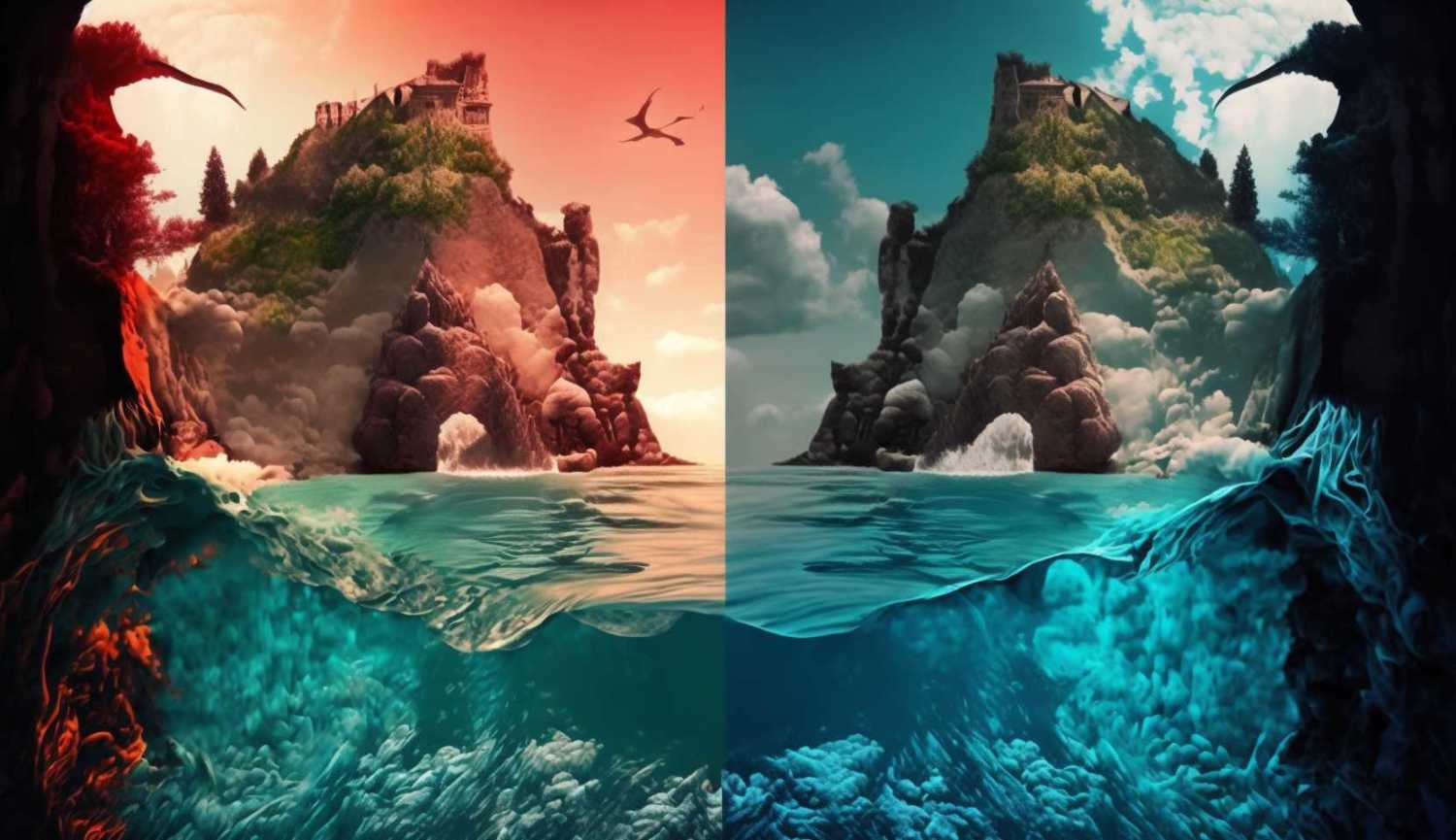
Uploading your images is a breeze with our online tool. Simply drag and drop your files or click to browse and select your desired image. Our platform supports a wide range of file formats, ensuring compatibility with your preferred image files. Once uploaded, you can instantly begin making adjustments to your photos and see the results in real-time.
Don’t let your photos go unnoticed. Start using our free online image color level adjustment tool today and unlock the true potential of your pictures. With advanced RGB level control, cooler and warmer tone options, and a user-friendly interface, creating visually stunning images has never been easier. Elevate your photography game and make a lasting impression with every image you share.