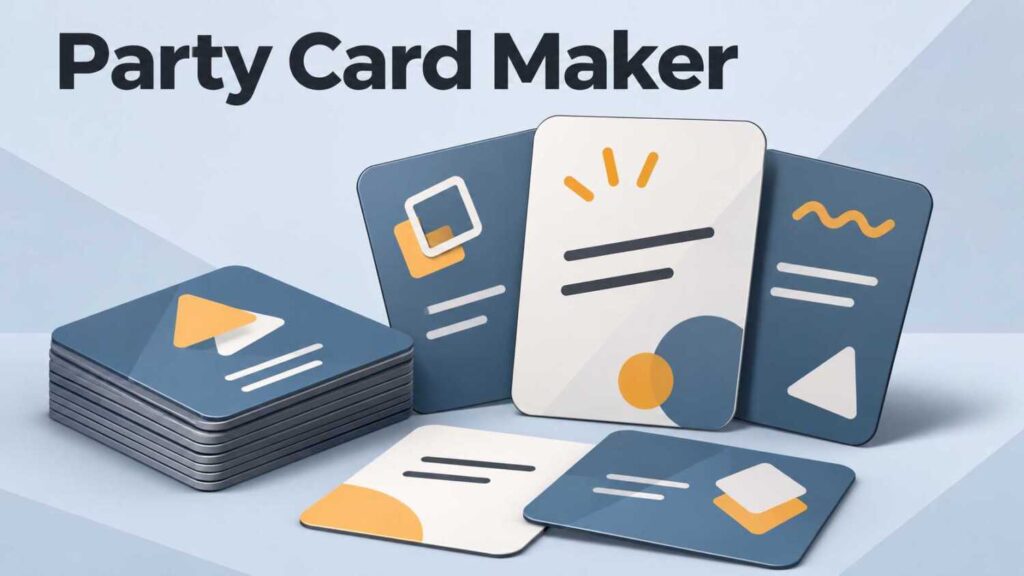
Make your own printable party cards using prompts and responses written by you. Choose the card size and paper format, then download a PDF with cut lines ready for printing. This free party card maker runs in your browser, with no login, software installation or upload of your card text for processing.
Create your own prompt/response deck. Separate cards with a blank line; single line breaks stay within a card. Up to 200 cards, 1,500 characters each. PDF uses an embedded Latin/Greek/Cyrillic font, selectable text, measured card sizes and dashed cut lines. Print at actual size (100%), with scaling disabled. A4/Letter margins are at least 8 mm.
Loading browser tool… JavaScript is required.
How to make printable party cards
- Add your prompts. Write or paste your questions, situations or unfinished sentences into Prompt cards. Put a blank line between separate cards.
- Add your responses. Enter your answer cards in Response cards, again separating cards with a blank line. A single line break stays inside the same card.
- Choose your paper and dimensions. Select A4 or US Letter, then set the card width and height in millimetres.
- Set the text size. Choose a readable font size for the amount of text on your cards.
- Click Generate card PDF. Review the preview and download
party-cards.pdf. - Print a test sheet. Choose 100% or Actual size, disable automatic scaling and measure a card before printing the full deck.
The tool places prompt cards first, followed by response cards. Each card has a small type label and number. It creates additional PDF pages as needed, so you do not have to arrange every sheet yourself.
Write a deck that suits your group
Use prompts and responses that make sense together. For a simple party game, write an unfinished sentence on each prompt card and short phrases on the response cards. Players can choose a response to complete the sentence, using rules you decide before starting.
For example, these would be two separate prompt cards:
The best part of today was…

Our next adventure should involve…
And these would be two separate response cards:
A very determined duck.

Unexpected cake.
You can also use the maker for conversation starters, team icebreakers or a themed deck for a birthday. Leave one input field empty if your activity only needs prompts or only needs responses. The tool lays out your text; it does not generate questions, answers or game rules for you.
Choose card dimensions and paper size
The default card size is 63 × 88 mm, with 14-point text. You can change the width from 30 to 190 mm, the height from 30 to 260 mm, and the text size from 9 to 24 points. The chosen dimensions must still fit your selected paper.
The layout calculates how many cards fit across and down each sheet, leaving at least 8 mm of outer margin and a gap between cards. The result reports the card dimensions and the number of columns and rows per sheet.
Larger cards or larger text may suit a group reading at a table. Smaller cards fit more onto a page, but leave less space for each prompt. Check the actual printed size rather than judging readability only from a screen.
Check the preview and text fit
The visual preview shows the first 12 cards using the line breaks calculated for the PDF. You can also expand All card text to inspect every entry. The downloaded PDF contains the complete deck within the supported limits.
The maker reports a card that has too much text instead of silently cutting it off. Shorten that card, reduce the text size or increase its height, then generate the PDF again. The 1,500-character limit is an input ceiling, not a guarantee that every card will fit at every size.
The PDF embeds Noto Sans and keeps the text selectable. Latin, Greek and Cyrillic text are supported by the document font, while unsupported symbols produce an error. The browser preview uses device fonts, so check the PDF too if a character looks different on screen.
Print and cut your cards
Print at 100% or Actual size with scaling disabled. Settings such as Fit to page can change the physical card dimensions. Use paper matching the A4 or Letter setting you selected, and check the first sheet with a ruler before continuing.
The PDF includes dashed cut lines around each card. It produces card fronts; it does not create a separate reverse-side design or a duplex alignment layout.
Limits and local processing
You can create up to 200 cards in total across both fields, with up to 1,500 characters per card. Add at least one card to generate a PDF. If your deck exceeds the limit, split it into smaller batches.
Your card text is processed locally in your browser. You can make and download the PDF without creating an account or installing a design application. Keep a separate copy of your prompts and responses if you want to reuse or edit them later.